Core-Functions
Core Functions
Here are the core functions
Vim sandbox
We use the Dockefile image to create a light-weight image with vim to act as a sandbox, curl and wget aren't included which limits the models ability to mess with the network, we do all file IO in and out of the sandbox via stdin, stdout and so the vim instance doesn't have access to the filesystem. This should stop all but the most sophisticated models.
Vim command apply
This is a function to apply a vim command sequence to a source text in Python. We use subproccessing to launch vim and supply the vim commands via a Pseudo-terminal using Pythons pty library, the function will launch vim, supply the commands, save the document and then read the final output from the file.
Example usage
from vim_data.lib.subprocess_io import run_subprocess_with_input, run_subprocesses_with_batch_input

cmd = ["docker", "run", "-i", "vim"]
input_str = "ihello world{i}\033:wq\n"
inputs = [input_str.format(i=i) for i in range(100)]
output = await run_subprocesses_with_batch_input(cmd, inputs, 3)
for out in output:
    print(out)
It works but could do with some improvements, it would be good to reuse the vim process between items in the batch, this could save some overhead but I couldn't find a way to make this work. Suggestions welcome!
vim recorder
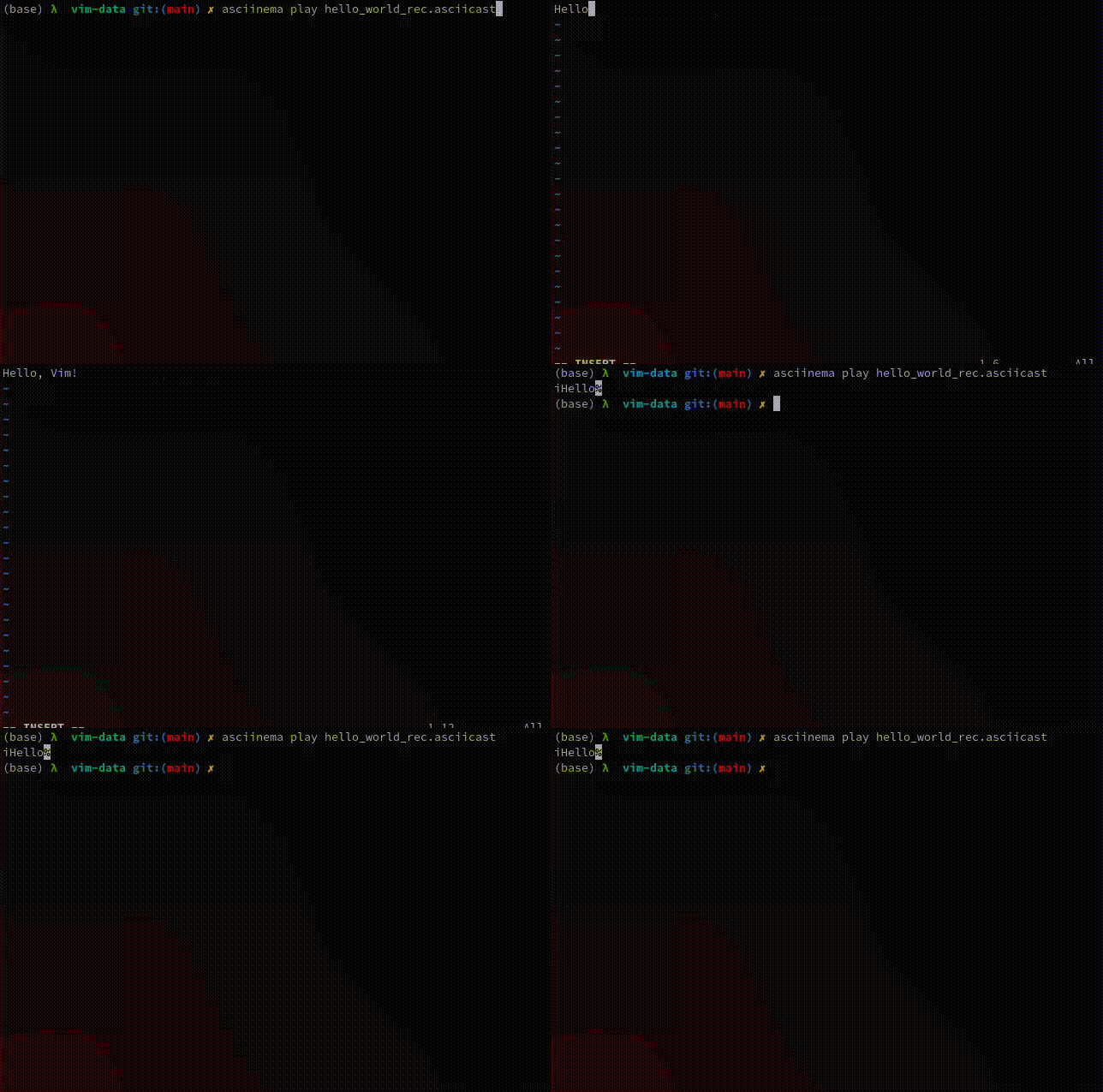
This is a function to record the terminal output of a series of vim commands.
Here is some example code to generate a recording
from vim_data.lib.term_rec import record_vim_terminal
from pathlib import Path

Path('hello_world_rec.asciicast').write_text(await record_vim_terminal('iHello, Vim!\033'))
And we can then playback the recording like so